



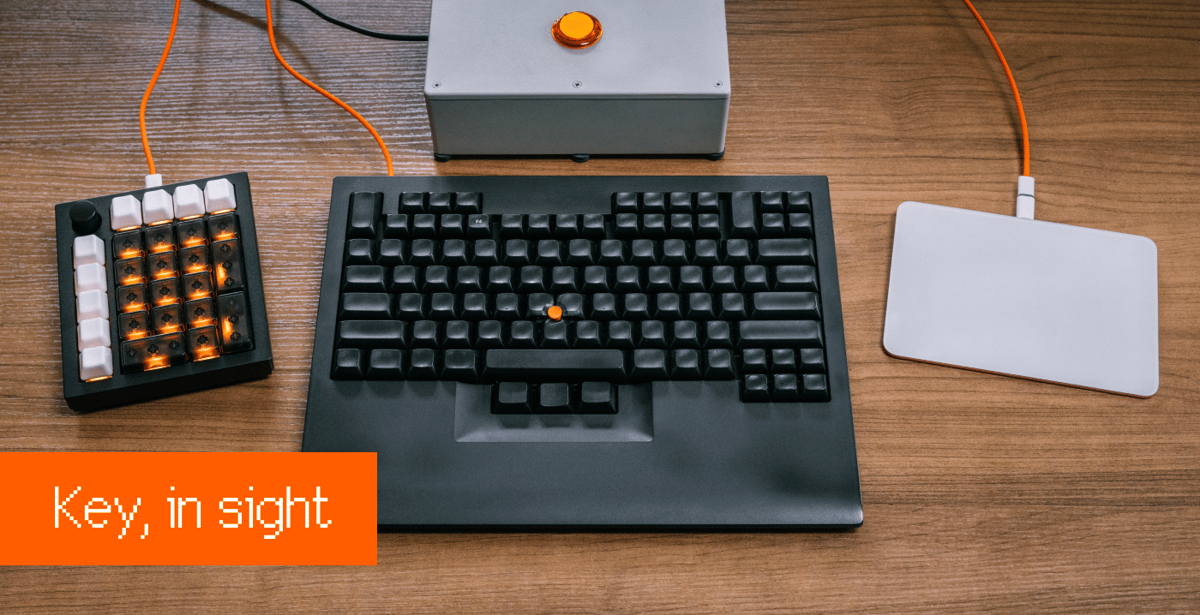
Marcin Wichary on how to get more fun and utility from your keyboard experience. “Break all the rules. You’re designing for the audience of one.”

Advertise here with Carbon Ads
This site is made possible by member support. 💞
Big thanks to Arcustech for hosting the site and offering amazing tech support.
When you buy through links on kottke.org, I may earn an affiliate commission. Thanks for supporting the site!
kottke.org. home of fine hypertext products since 1998.
Beloved by 86.47% of the web.
Comments 2
If I had a big button, I think I'd tie it to pulling up my clipboard history. Or to launch the KDO new post interface. "Link incoming!" **smash**
LOVE customized keys. AutoHotKey for Windows lets any button do anything, from basic keyboard macros to API calls to on-screen GUIs and overlays. I also recommend "double-layer" or "relegendable" transparent keycaps that let you label your keys however you want, for utility or fun or both.
Also, two other input devices to consider: "USB policy decision button" and "USB footswitch".
If you feel like this comment goes against the grain of the community guidelines or is otherwise inappropriate, please let me know and I will take a look at it.
In order to comment or fave, you need to be a kottke.org member. Check out your membership options.
Note: If you are a member and tried to log in, it didn't work, and now you're stuck in a neverending login loop of death, try disabling any ad blockers or extensions. Or try logging out and then back in. Still having trouble? Email me!